Adventure
4.6
Amazing Circus Adventure
Amazing Circus Adventure
6,846
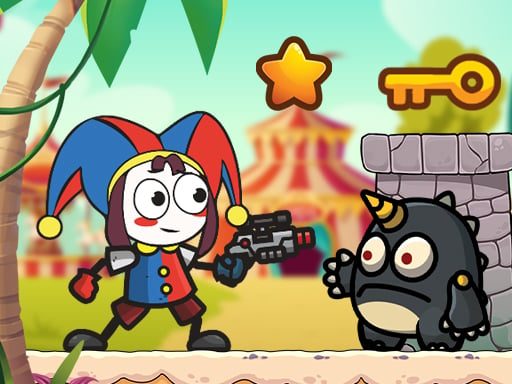
Join a charming 2D adventure in Amazing Circus Adventure where you swing and jump your way through magical scenes filled with funny circus characters. Solve fun puzzles along the way, gather coins and special items to boost your abilities, and aim to be the shining star of the most spectacular circus show ever. Enjoy this wonderful journey with its beautiful graphics and cheerful tunes that will keep you entertained!
Recommended Games

Sprunki Incredibox Only Up
4.64,201
Navigate using WASD keys and press space to jump. Explore the environment by moving left, right, up, and down with WASD. Utilize the space bar for jumping over obstacles or reaching higher platforms.

Fire and Water Stickman
4.66,049
Navigate using WASD or arrow keys for desktop, and touch controls for mobile. Perform double jumps by tapping quickly on mobile or pressing the jump key twice on desktop to reach higher platforms.

Lorenzo the Runner
4.65,095
Navigate using arrow keys or A D to move the bull. Press W or the up arrow to jump. Interact with objects by moving the bull into them or jumping over obstacles.
Marble Match Origin
4.64,002
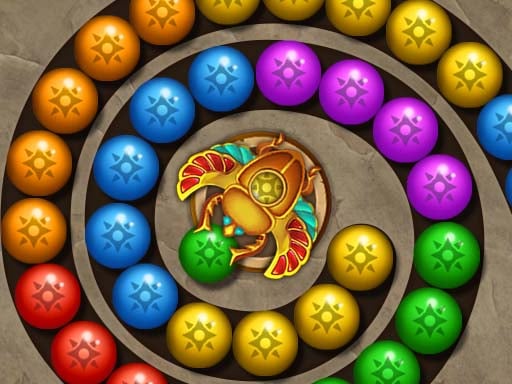
Game offers varying difficulty levels and stages. Features stunning visuals and dynamic effects. Includes diverse items and incentives. Offers numerous achievements and rankings. Presents distinctive challenges and surprises. Enables play without internet connection.

Raft Evolution
4.14,509
Movement is controlled with WASD. Jump using the spacebar. Attack with the left mouse button. Select the hook tool with the right mouse button. Access inventory with T. Start crafting with Y. Cancel any building action by pressing the right mouse button again. Rotate buildings using Q.
Python Snake Simulator
4.33,482
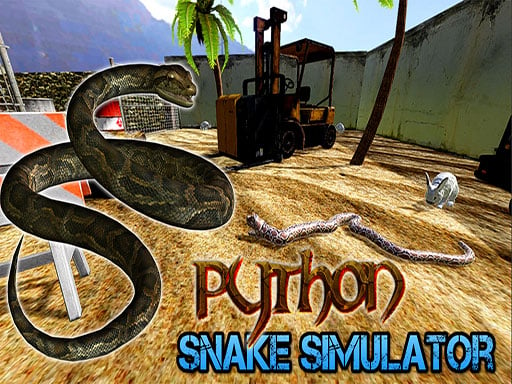
WASD or Arrow Keys control movement while mouse movements adjust the camera view. Pressing Space or Left Mouse Button (LMB) activates Head Up mode, providing an overview. Holding Shift toggles between Head Up modes for different perspectives. Use R to restart the level and P to access the pause menu.
Digital Circus:Parkour Game
4.34,010
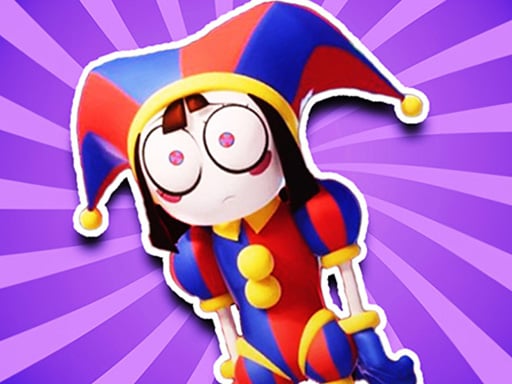
Mouse or right joystick - Rotate view WASD or left joystick - Move Space or jump button - Leap Right-click - Interact with objects
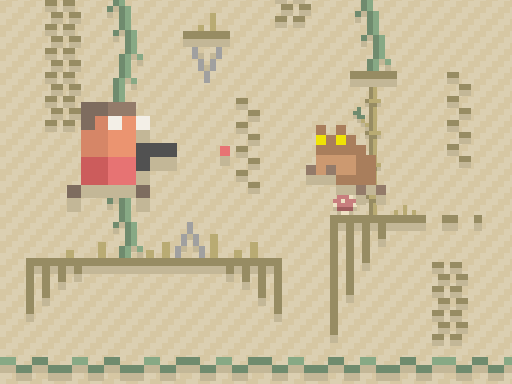
Paper Pixel Adventure
5.06,485
Navigate using W A S D keys or arrow keys on a keyboard. Press Space to attack. For mobile devices, swipe on the screen to move and tap to attack, simplifying control directly on your touch interface.
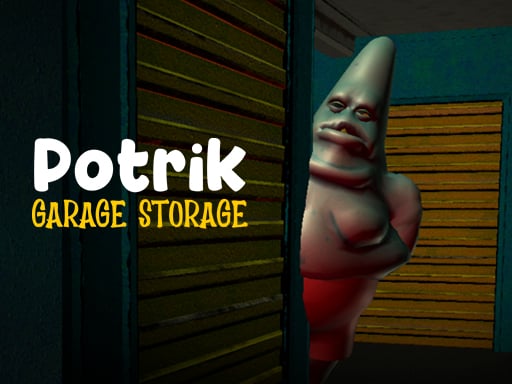
Potrick Garage Storage
4.77,992
Flashlight toggles with F, interact with objects and machines using E, navigate through W A S D.
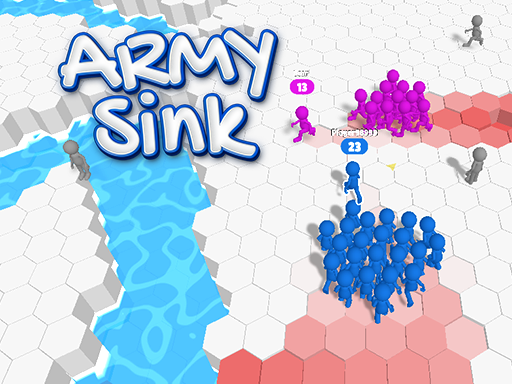
Army Sink
4.76,181
Navigate using W, A, S, D keys or arrow keys for movement. Alternatively, click the mouse left button to move your character.

Afroman Dinofriends
4.26,988
Navigate using D for forward, A for backward, W to jump, and K to fire. These controls will help you enjoy the thrilling gameplay effortlessly.
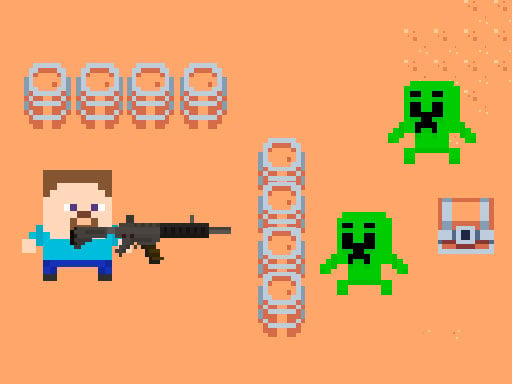
Hunter Steve
4.66,236
To navigate, press WASD. Fire at zombies with the left mouse button. Eliminate all zombies to finish missions and advance.

Battle of the Battles
4.57,161
Click to place players, strategically positioning them on the field to optimize team coverage and effectiveness. Each click determines a player's starting location, influencing their movement paths and defensive/offensive zones throughout the game. Adjust placements based on opponent strategies or environmental factors to gain a competitive edge.

Toy Game For Kids
4.67,000
Click or tap on the screen to interact with the game elements, triggering actions, selecting options, or making selections to progress through levels or challenges.

Street Encounter
4.86,263
Navigate using the LEFT and RIGHT arrow keys. Launch projectiles with the UP arrow key.

Sprunki Theft Auto 2025
4.55,937
WASD keys control movement left, right, up, and down. Press F to activate flight mode, allowing you to soar above the ground. Use the space bar to perform a jump, adding vertical movement.

Hero Inc 2 Online
4.34,000
Click or tap on the screen to interact and progress in the game. Use these inputs to respond to in-game prompts or activate elements.
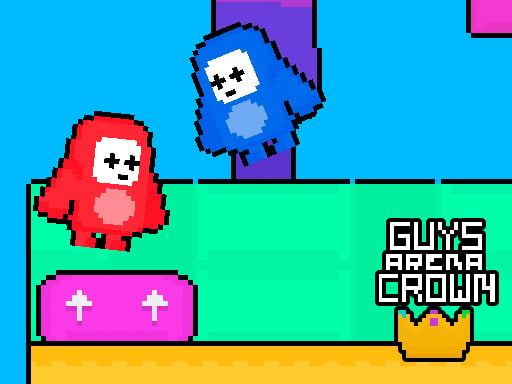
Guys Arena Crown
4.17,417
The red team uses WASD keys to navigate while the blue team employs arrow keys for movement. Objective remains the same: collect all crowns to secure victory.
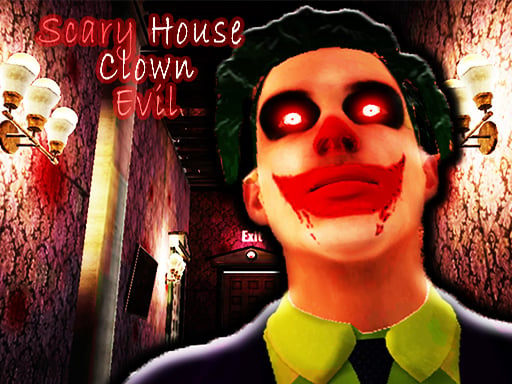
Scary House Clown Evil
4.54,193
WSAD for movement, left shift to sprint. On mobile, use the virtual joystick for movement and touch screen to look around.